The Employees’ Provident Fund Organisation (EPFO) is a statutory body under the Government of India that manages provident fund, pension, and insurance schemes for salaried employees. With the help of the EPFO online portal, members can easily check their PF balance, download passbooks, update details, and manage accounts without visiting an office. This guide explains everything about EPFO login, UAN login, and member services in a simple step-by-step manner.
EPFO: Overview of the Provident Fund System
EPFO works to ensure financial security for employees after retirement. Both employee and employer contribute a fixed percentage of salary every month to the EPF account. The accumulated amount earns interest and can be withdrawn under specific conditions. To access these services digitally, EPFO has introduced online systems such as the EPFO portal and EPFO member portal.
EPFO Portal: Official Online Platform
The EPFO portal is the central online platform that offers services to members, employers, and pensioners. Through this portal, users can log in, manage PF accounts, submit claims, and view contribution details. The portal is accessible 24/7 and supports multiple services under one dashboard.
How to Access Your Account
EPFO login allows members to access their PF account using their Universal Account Number (UAN). Once logged in, members can check balances, update KYC, and track claims.
Steps for EPFO Login
- Visit the official EPFO portal
- Click on “For Employees.”
- Select “Member UAN/Online Service.”
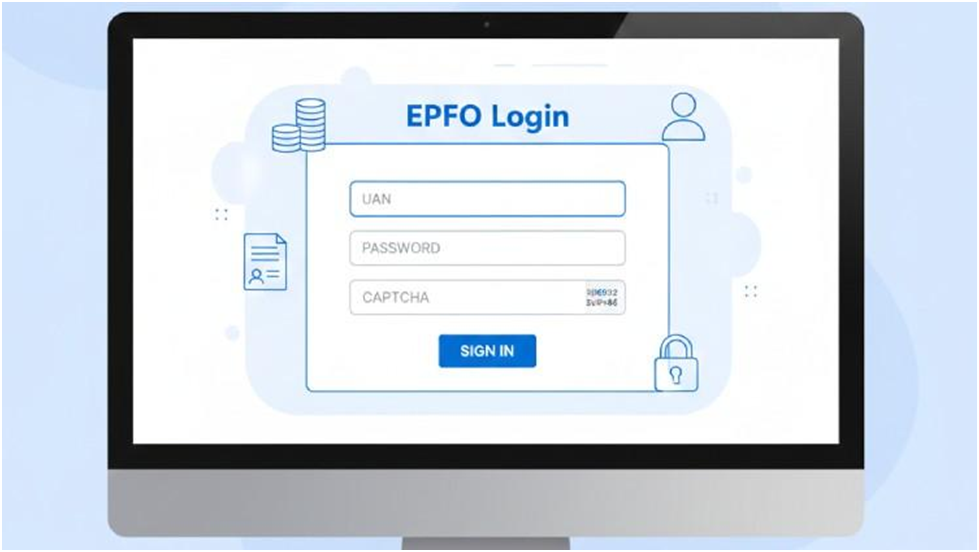
- Enter UAN, password, and captcha
- Click on the sign-in button
After successful login, you will be redirected to the EPFO member dashboard.
EPFO Member Login: Access Member Services
EPFO member login is specifically designed for employees who want to manage their provident fund account. From the dashboard, members can view personal details, employment history, PF balance, and service records.
Benefits of EPFO Member Login
- Easy access to PF account details
- Online claim submission
- Download EPFO passbook
- Update KYC information
EPFO Member Portal: Features and Services
The EPFO member portal offers multiple digital services under one login. It helps reduce paperwork and saves time for employees.
Services Available on EPFO Member Portal
- PF balance check
- Claim status tracking
- Profile update
- EPFO member passbook download
This portal is highly useful for both new and existing EPFO members.
Check and Download Online
The EPFO passbook shows detailed information about monthly contributions made by the employee and employer. It also reflects interest credited to the account.
How to Access EPFO Passbook
- Log in to the EPFO member portal
- Click on “View Passbook.”
- Select the relevant PF account
- Download or view the EPFO passbook
EPFO Member Passbook: Contribution Details Explained
The EPFO member passbook contains transaction-wise details, including employee share, employer share, and pension contribution. It is useful for tracking savings and verifying employer compliance.
EPFO UAN Login: What Is UAN, and Why It Matters
UAN login is the most important part of accessing EPFO services. UAN is a unique 12-digit number allotted to each EPFO member and remains the same throughout their career.
Advantages of EPFO UAN Login
- One UAN for multiple jobs
- Easy PF transfer
- Centralized record of employment
- Direct access to EPFO services
UAN Login: Step-by-Step Process
UAN login is required to use the EPFO member portal and related services.
Steps for UAN Login
- Visit the EPFO member portal
- Enter UAN and password
- Fill in captcha code
- Click on login
If you are logging in for the first time, UAN activation is required using the registered mobile number.
EPFO Employer Login: For Companies and HR Teams
EPFO employer login is meant for organizations to manage employee PF contributions. Employers can upload monthly challans, verify KYC, and manage compliance through the EPFO portal.
Key Services Under EPFO Employer Login
- Upload ECR
- Approve KYC
- Generate challans
- Manage employee details
EPFO Member: Who Is Eligible?
An EPFO member is any salaried employee working in an organization registered under EPFO. Employees earning up to the prescribed wage limit are mandatorily covered, while others can opt in voluntarily.
Common EPFO Login Issues and Solutions
Sometimes users face login issues due to incorrect passwords, inactive UANs, or captcha errors. These problems can be resolved by resetting the password, activating UAN, or clearing the browser cache.